
How the solution works
An event in one system triggers validation and data transfer, after which a connected tool updates a status, creates a task or alerts an owner.
Integration is useful when employees enter the same data more than once, statuses diverge or requests disappear between services. We define the source of truth and build controlled data exchange around the systems the team already uses.
Tell us about the taskWe design data routes, statuses, tasks and notifications so the workflow continues automatically across the tools your team already uses.
An event in one system triggers validation and data transfer, after which a connected tool updates a status, creates a task or alerts an owner.
We need the current workflow, data owners, example entities and statuses, plus API access or scheduled exports.
Reliability depends on source APIs and data quality. Critical routes are introduced gradually with logs, retries and failure alerts.
We first check where automation will make the work easier and where changing the process is enough.
Employees enter the same information several times.
CRM statuses do not reflect the real process.
Requests and documents disappear between systems.
Management cannot see the end-to-end workflow.
Interfaces, data, roles and integrations are designed together as one operating system.
Select a stage to see what happens inside the project and what the team receives.
Map systems, owners and data routes.
The detailed roles, exceptions, security rules and control points are confirmed during discovery.
Exact measures are selected for the process before development begins.
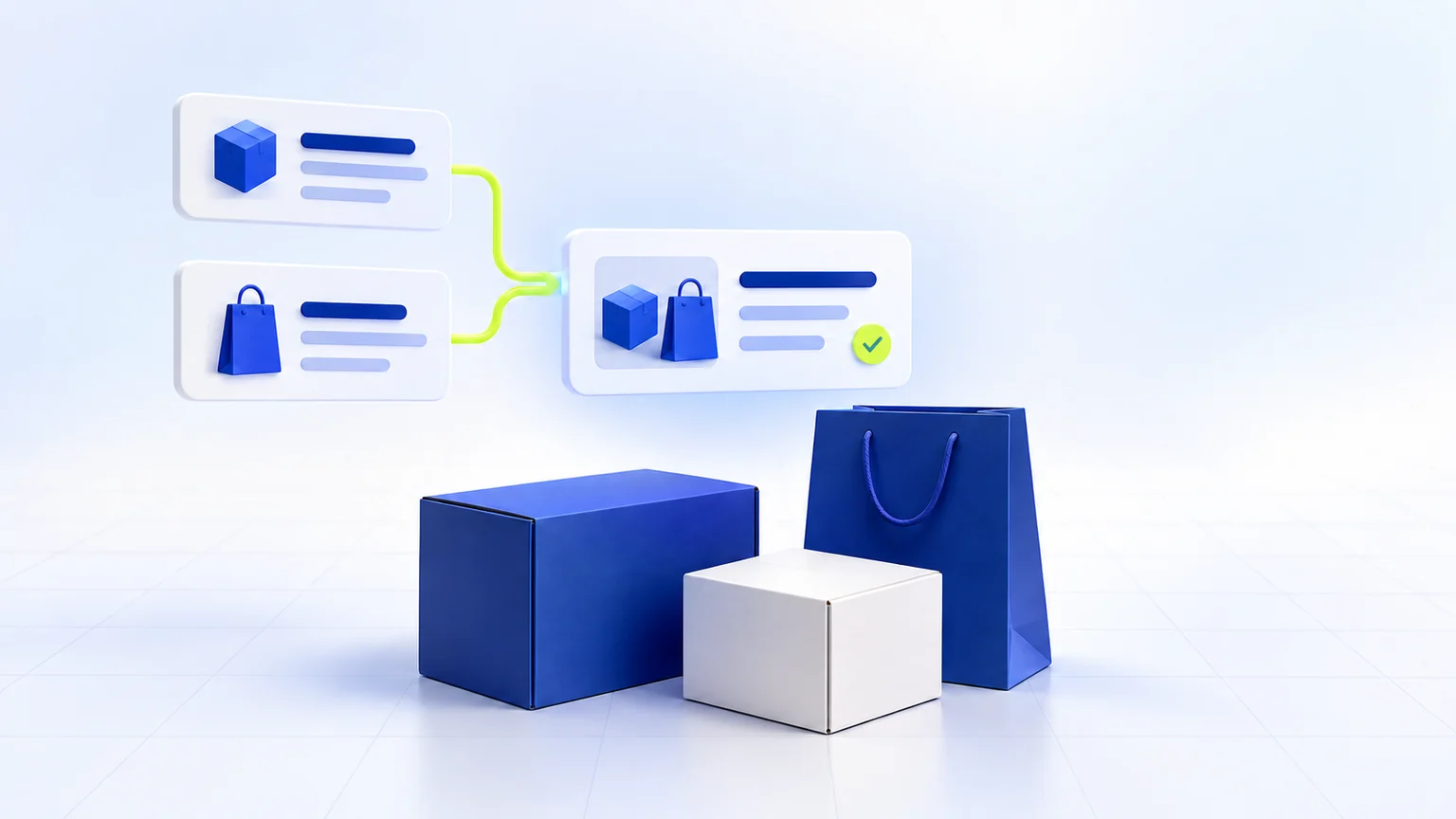
An AI assistant collects packaging requirements in Telegram and MAX, creates Bitrix24 deals and hands conversations to managers through a working Telegram group.
View case study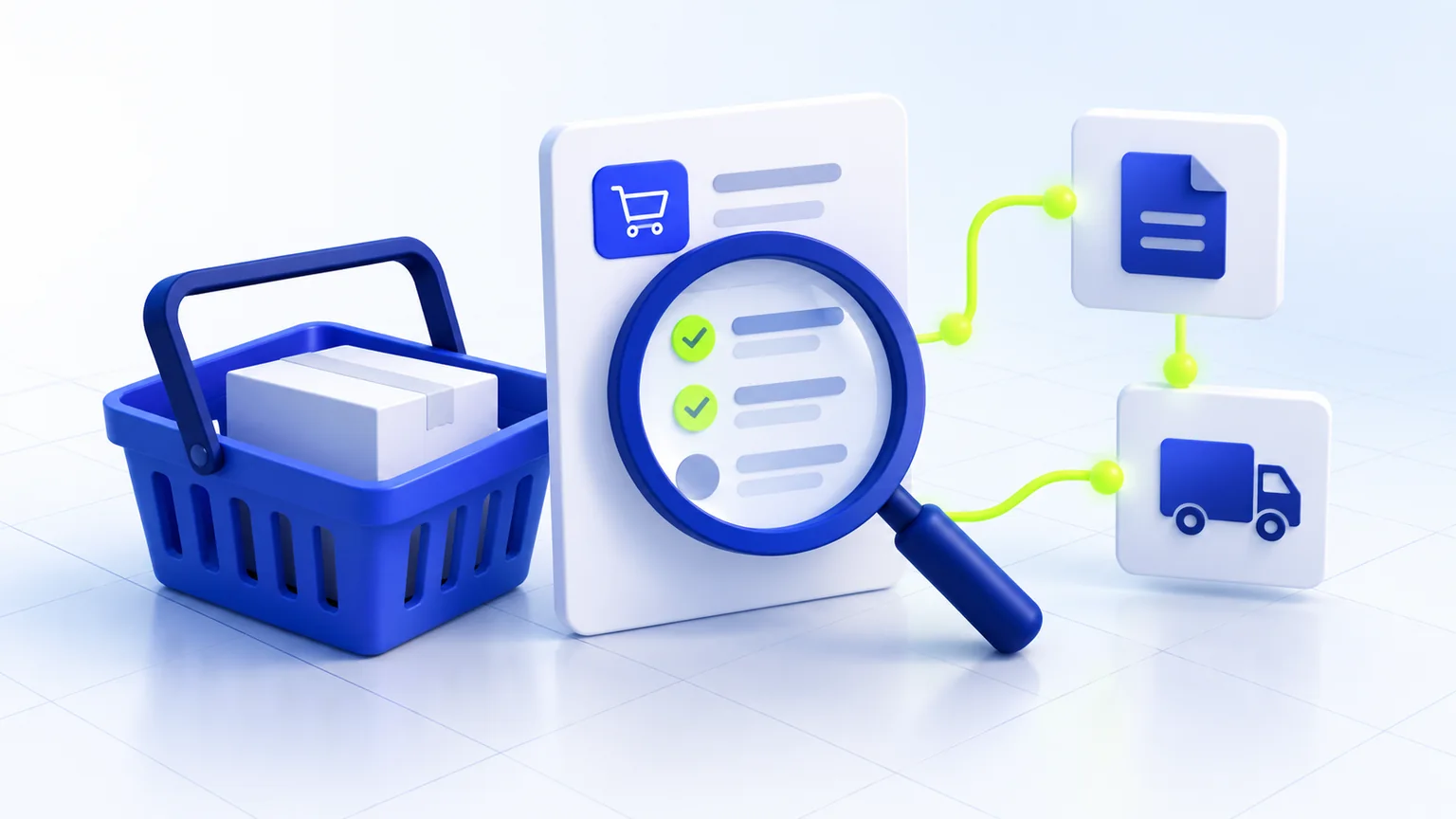
Improvements to an existing WordPress/WooCommerce store: CDEK shipping, 1C order exchange, notifications and back-in-stock alerts without a complete rebuild.
View case study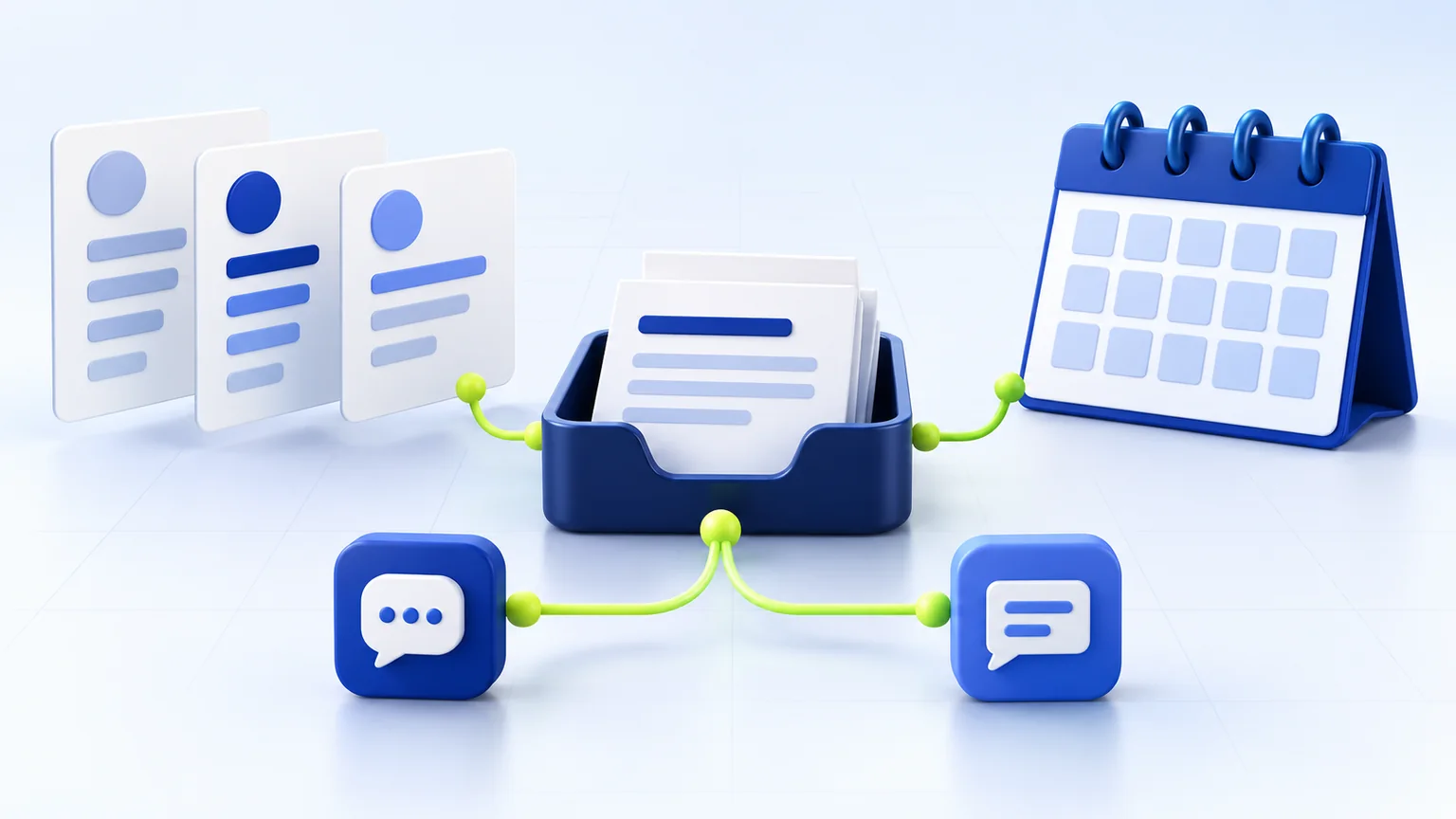
Candidate applications, shift offers and staff replies in MAX, connected to 1C through n8n. The existing Telegram channel remains in operation.
View case studyA practical route from messenger enquiries to CRM: required fields, duplicate prevention, failure handling, human hand-off and launch checks.
Read the guide →Plan reporting in Excel or Google Sheets: metric definitions, source mapping, reconciliation, refresh schedules and traceable calculations.
Read the guide →Yes. We first review its structure, data quality and available integration methods.
Critical routes can include retries, error queues, alerts and audit logs.
Yes. We usually start with the route that creates the largest operational loss.
We define the source system for each entity, use stable identifiers and document matching rules. The exchange is tested on a data copy, with conflicts, retries and errors handled explicitly.
It depends on the product plan, CRM structure, permissions and available APIs or webhooks. We verify these conditions before development and document the data route, statuses and failure handling.
Define channels, required fields, the primary CRM record and assignment rules. Verify that the transfer created a record with an owner and a next action. Retain failed events for controlled retries and alert an employee. Delivering the same event again must not create another order.
We review the configuration and version, exchanged entities, available methods, permissions, update direction and conflict rules. Start with one route on a data copy. This is not a full ERP implementation. The MAX project uses n8n and changes to a 1C extension; it remains in final testing and acceptance.
Agree access, field and status mapping, recovery instructions, owners and support procedures. Code, documentation and rights are defined in the project agreement. Verify that an employee can understand a failure and use the fallback route.
We will discuss the goal, constraints and a practical next step without unnecessary technical complexity.